tools
Eraser
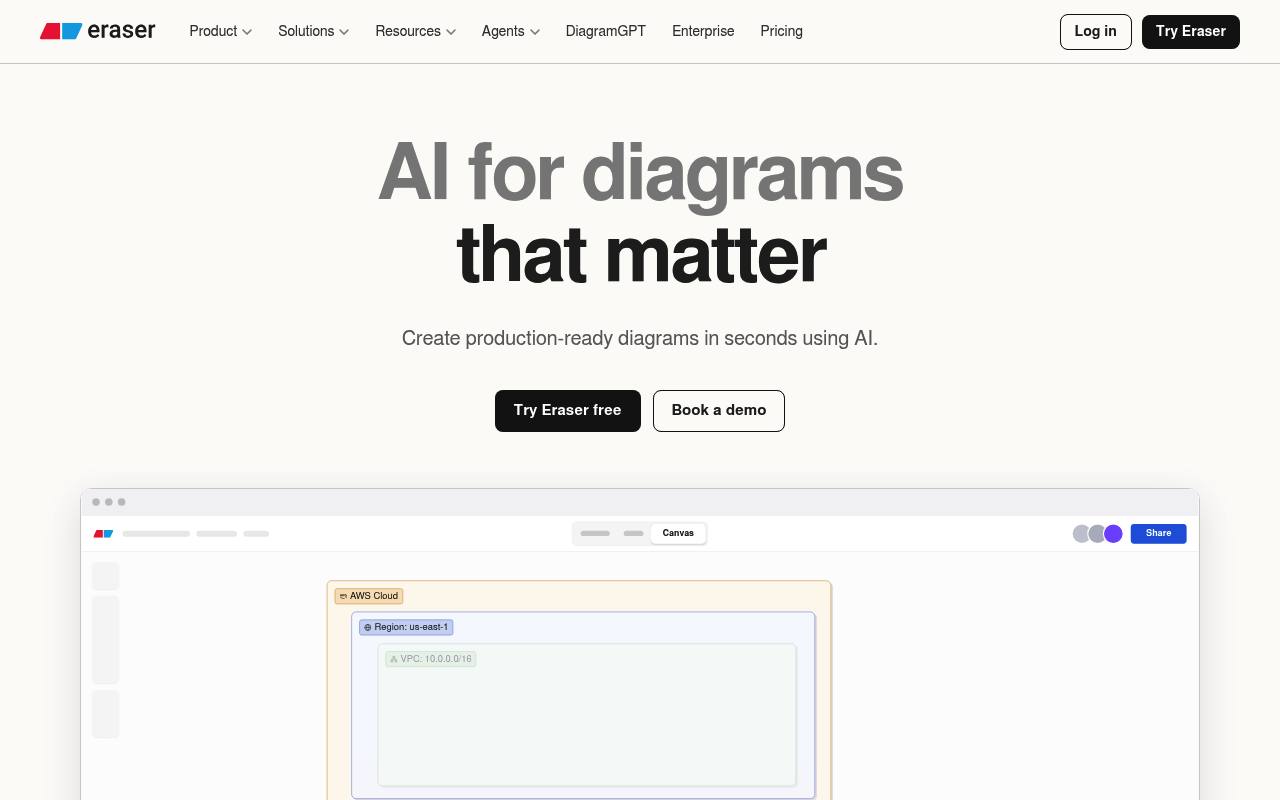
Eraser uses AI to create editable technical diagrams and documentation from prompts, code, files, and Git repositories.
In inglese
Eraser helps engineering and product teams create architecture diagrams, flowcharts, sequence diagrams, entity relationship diagrams, and technical documents. Users can generate diagrams from natural-language prompts, codebases, images, Terraform, database schemas, and other files.
Diagrams remain editable through AI prompts, diagram-as-code, or the visual editor. Eraser also supports Git integrations, MCP and API access, real-time collaboration, and exports. The free plan limits files and AI credits; API tokens require a paid plan.
Features
- Generate architecture, flowchart, sequence, ERD, and BPMN diagrams with AI
- Create diagrams from prompts, images, Terraform, database schemas, and files
- Scan Git repositories to generate codebase diagrams
- Edit diagrams with AI prompts, diagram-as-code, or drag-and-drop tools
- Create technical documents and outlines with AI
- Collaborate in real time with comments, tagging, and shared files
- Use GitHub, Notion, Confluence, and VS Code integrations
- Access a REST API and MCP server for diagram generation and editing
Use cases
- Visualize cloud infrastructure and service architecture
- Generate database diagrams from SQL or schema files
- Document application flows and API interactions
- Create technical design documents and engineering plans
- Keep architecture diagrams updated from Git repositories
- Share editable diagrams with engineering and business stakeholders
Pros
Cons
Capabilities
- VS Code — “VS Code extension” source
- Self-hosted — “Multi-tenant, single-tenant, or self-hosted deployment options available.” source
- API — “Eraser AI does provide an API for generating AI diagrams , available to paid users.” source
- Official SDKs — “Build custom tools on the open SDK.” source
- Builds agents and workflows — “Build agents” source
Get it
Security
Pricing
- Starting price
- $15/user/mo
- Prices checked
- 2026-09-25
Free
Free
- 3 files
- 3 AI diagrams
- 7-day version history
- Unlimited guests
- Diagram-as-code
- Markdown notes
Starter
- $15 / member / mo billed annually
- $20 monthly
- Unlimited files
- 40 AI diagrams
- 90-day version history
- Private files
- 20 custom icons
- API calls
Business
- $45 / member / mo billed annually
- $60 monthly
- Unlimited files
- 250 AI diagrams
- Unlimited version history
- SAML SSO
- 100 custom icons
- Reference diagrams
Enterprise
Price on request
- Unlimited files
- Unlimited AI diagrams
- Unlimited version history
- Flexible deployments
- Customer success manager
- ACH and wire transfer