tools
Dia
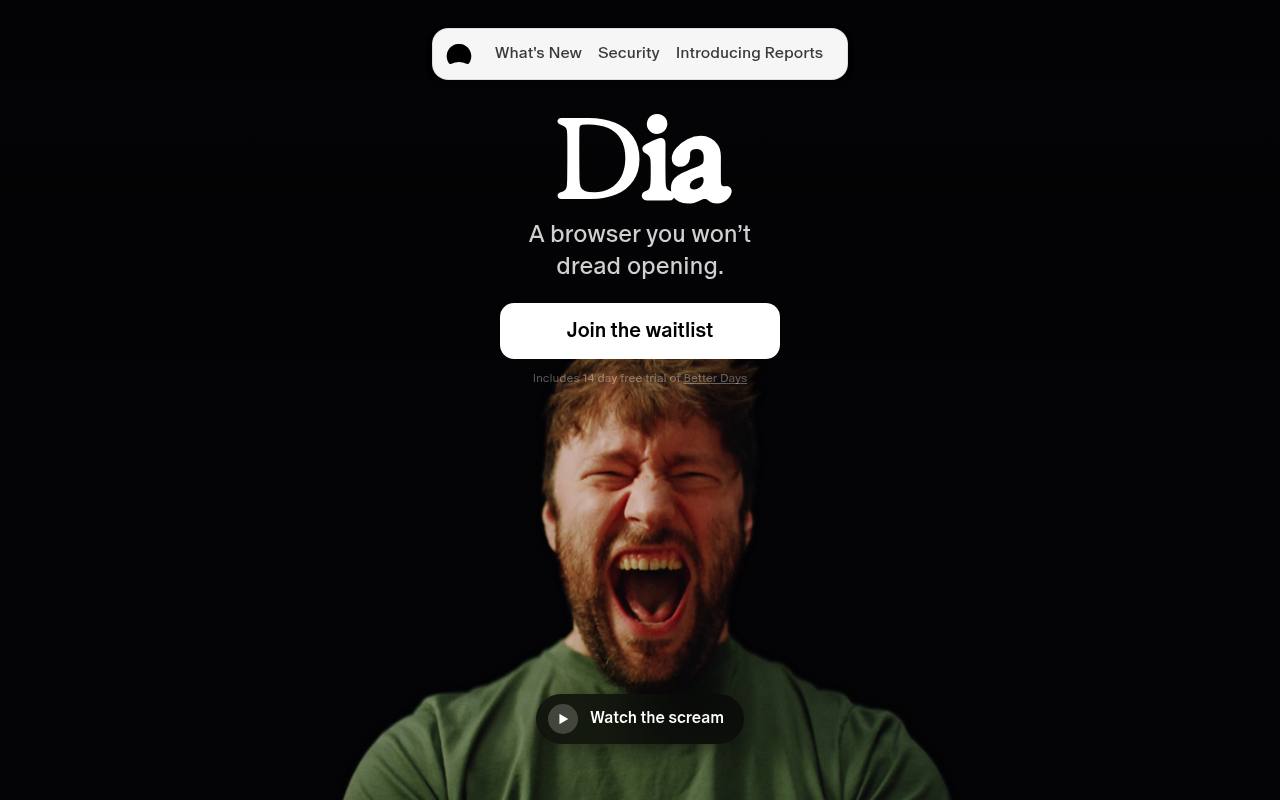
Dia is an AI-native browser that answers questions across tabs and connected work tools, and helps organize browsing tasks.
In inglese
Dia combines a web browser with AI features for working across tabs, documents, calendars, inboxes, and connected tools such as Slack, Notion, GitHub, and Google Calendar. It can answer questions using page and tool context, create reports and decks, prepare meeting materials, and provide a Morning Brief.
Its free browser plan includes profiles, tab groups, split view, picture-in-picture video, ad and tracking blocking, and cross-device sync. AI features require a paid plan after the 14-day trial; usage limits apply, and extra usage is sold in $20 credits.
Features
- Answer questions using context from tabs and connected work tools
- Generate Morning Briefs from calendars, inboxes, and key links
- Create reports, presentation decks, recaps, and meeting follow-ups
- Connect tools including Slack, Gmail, Notion, Outlook, GitHub, Calendar, and Figma
- Organize tabs into named groups and Live Work views
- Use profiles with separate tabs, logins, and AI context
- Use split view and picture-in-picture video
- Block ads and trackers with end-to-end encrypted sync
Use cases
- Research topics across open tabs and connected documents
- Summarize work activity from Slack, email, calendars, and project tools
- Prepare for meetings with relevant pages, agendas, notes, and documents
- Create reports or presentation decks from scattered work context
- Separate personal, freelance, and work browsing with profiles
- Organize large tab collections into named groups
Pros
Cons
Capabilities
- Writes and edits — “Create reports, decks, and recaps” source
- Summaries — “access transcripts, summaries, and chats.” source
- Searches your work — “Ask once. Dia digs into your full context, across GSuite, Teams, tabs, and more, and answers like someone who's seen every thread.” source
- AI agents — “More Reliable AI Agent Sessions” source
- Connects your apps — “Dia now connects to Outlook, SharePoint, and Teams, so the tools you live in now feed your Morning Brief.” source
- Single sign-on — “Yes. Dia supports SAML-based SSO with most identity providers, including Google, Okta, Microsoft Entra ID , and more.” source
- Admin controls — “Dia brings secure, native AI workflows into your browsing and apps, so you get productivity and compliance in one place.” source
Security
- SOC 2 Type II — “Yes. The Browser Company completed a SOC 2 Type II examination for Dia covering security, confidentiality, and privacy for calendar year 2025.” source
- SOC 2 — “Yes. The Browser Company completed a SOC 2 Type II examination for Dia covering security, confidentiality, and privacy for calendar year 2025.” source
- Not: HIPAA — “Dia is not HIPAA-compliant and The Browser company does not offer a Business Associate Agreement (BAA).” source
- Not: Not trained on your data — “We may use some content data to help improve and train these models.” source
Pricing
- Starting price
- $20/mo
- Prices checked
- 2026-09-25
Better Browser
Free
- Profiles and tab groups
- Split-view and picture-in-picture video
- Built-in ad and tracking blocker
- Cross-device sync
Better Answers
- $20 /month
- Everything in Browser
- Ask Dia anything on any page
- Chat with context from all your tools
- Work with models that won't store your data
Better Days
- $100 /month
- Everything in Browser, Answers
- 6x more tasks and chats
- Get the daily Morning Brief
- Create reports, decks, and recaps
- Prep and follow-up for every meeting
- Usage limits apply