tools
Descript
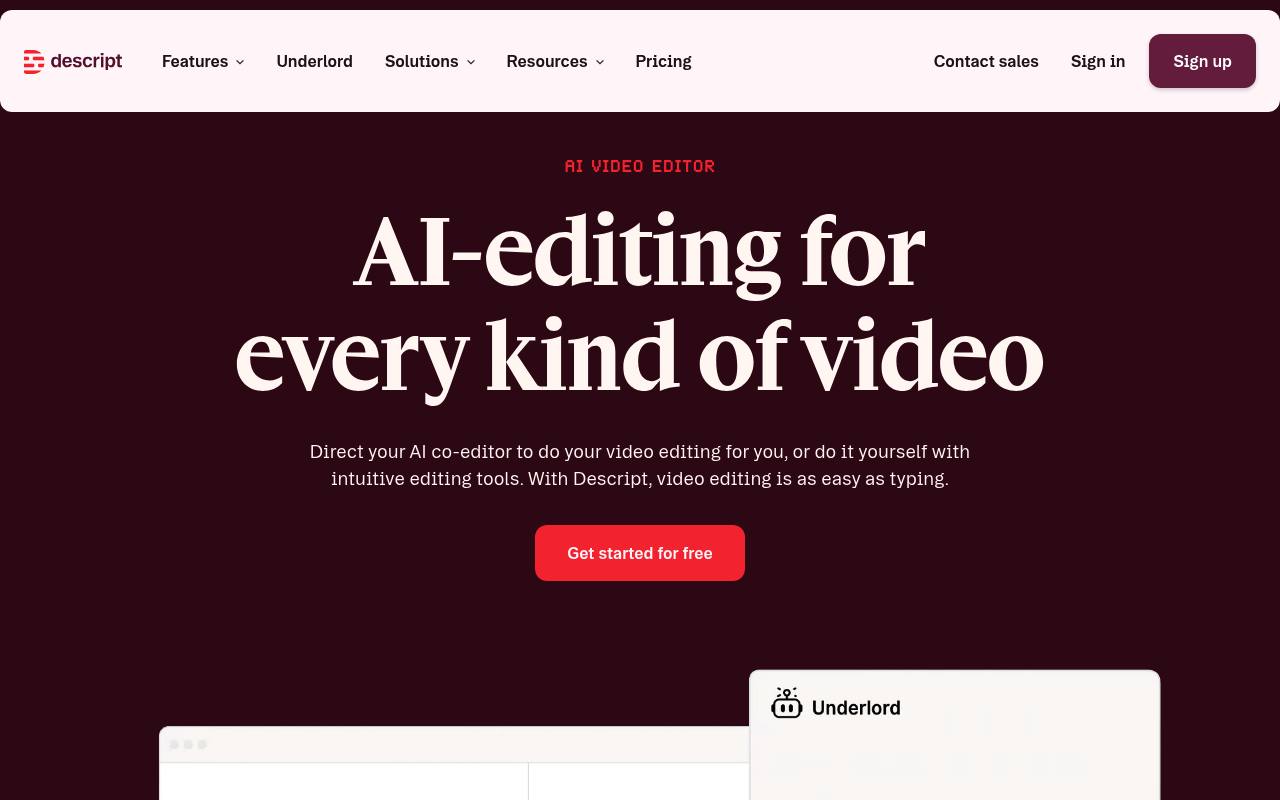
Descript records, transcribes, and edits audio and video by letting users edit media through its transcript.
In inglese
Descript is an audio and video editor for podcasts, screen recordings, interviews, tutorials, webinars, and social clips. It includes transcription, text-based editing, captions, remote recording, AI voice tools, video enhancement, and collaboration.
It runs in a browser and as a desktop app for macOS and Windows. A free plan is available, while paid plans add more transcription, export, AI, stock-media, and recording allowances. Extra transcription costs $2 per hour for a permanent limit increase or $2.50 per hour for a one-time boost.
Features
- Edit audio and video by changing the transcript
- Transcribe recordings automatically
- Record screens, cameras, podcasts, and remote Rooms
- Generate captions, clips, show notes, and translations
- Remove filler words, retakes, and background noise
- Create AI voice clones and regenerate speech
- Use AI eye contact, green screen, multicam, and video regeneration
- Edit video through the API and MCP
Use cases
- Edit podcast episodes by revising the transcript
- Record and produce interviews with remote guests
- Create tutorials and product demos from screen recordings
- Repurpose long videos into clips for social platforms
- Generate captions, translations, and show notes
- Improve recorded audio, lighting, framing, and speech
Pros
Cons
Latest updates
- Release roundup—September 17, 2026 (145.0.15)
Captions now have presets and animations. Descript's AI can make background music and sound effects on request.
- Release round-up—August 5th, 2026
Schedule a Room, edit an image by drawing on it, and generate a YouTube thumbnail without leaving your project.
- Release round-up—June 11th, 2026 (v0.11.0)
Tone Tags for AI speakers, gradient fills, concurrent AI media generation, and Descript in Claude and ChatGPT.
- The Descript Telethon begins, but first... releases
Underlord conversations now persist, and Descript imports a significantly wider range of media formats.
- Release roundup—April 16th, 2026
Transitions now come with animated previews and are organized into a new grid layout with thumbnail previews.
Capabilities
- Text to video — “Create bespoke, custom video and images from a prompt.” source
- Edits video — “Editing video in Descript is as easy as using docs and slides.” source
- AI presenters — “AI Avatars” source
- Dubbing — “Translate to dozens of languages.” source
- Captions — “Add subtitles to extend your reach in a single click.” source
- Sound and music — “Fill in the gaps with generated video, voice audio, music, and images that blend seamlessly with your footage.” source
- 4K — “Up to 4K video” source
- API — “API + MCP Edit video through code, or from inside your AI assistant” source
Get it
Security
- SOC 2 Type II — “We have achieved SOC 2 Type II compliance by going through a Certified Public Accounting firm and auditing our internal measures and controls against the SOC 2 standards.” source
- SOC 2 — “We have achieved SOC 2 Type II compliance by going through a Certified Public Accounting firm and auditing our internal measures and controls against the SOC 2 standards.” source
- GDPR — “We align with SOC 2 standards and guidelines, as well as GDPR, CCPA, and the Privacy by Design framework.” source
Pricing
- Starting price
- $16/user/mo
- Prices checked
- 2026-09-25
Hobbyist
- $16 per person / month
- $24 per person / month
- 10 media hours / month
- 400 AI credits / month
- Export 1080p, watermark-free
- Access to Underlord, our AI video co-editor
- AI tools including Studio Sound, Remove Filler Words, Create Clips, and more
- AI Speech with custom voice clones and video regenerate
Creator
- $24 per person / month
- $35 per person / month
- 30 media hours / month
- 800 AI credits / month
- Export 4k, watermark-free
- Full access to Underlord, our AI video co-editor and 20+ more AI tools
- Generate video with the latest AI models
- Unlimited access to royalty-free stock media library
Business
- $50 per person / month
- $65 per person / month
- 40 media hours / month
- 1500 AI credits / month
- Team-wide access to Brand Studio
- Translate and dub video in 30+ languages with proofread
- Generate custom avatars from photo upload or text
- Priority support (with SLA)
Enterprise
Price on request
- AI credits and media hours: sized to your team
- Brand Studio: shared templates and company-wide guardrails
- AI and data controls: opt-out of training, custom retention
- SOC 2 Type II: SSO, SCIM, and audit logs
- Procurement: custom MSA, legal terms, flexible billing
- Support: dedicated CSM, onboarding, priority response
Free
Free
- Text-based editing
- Give our AI tools a spin