tools
ComfyUI Review 2026 — Best Open-Source AI Image Generation UI
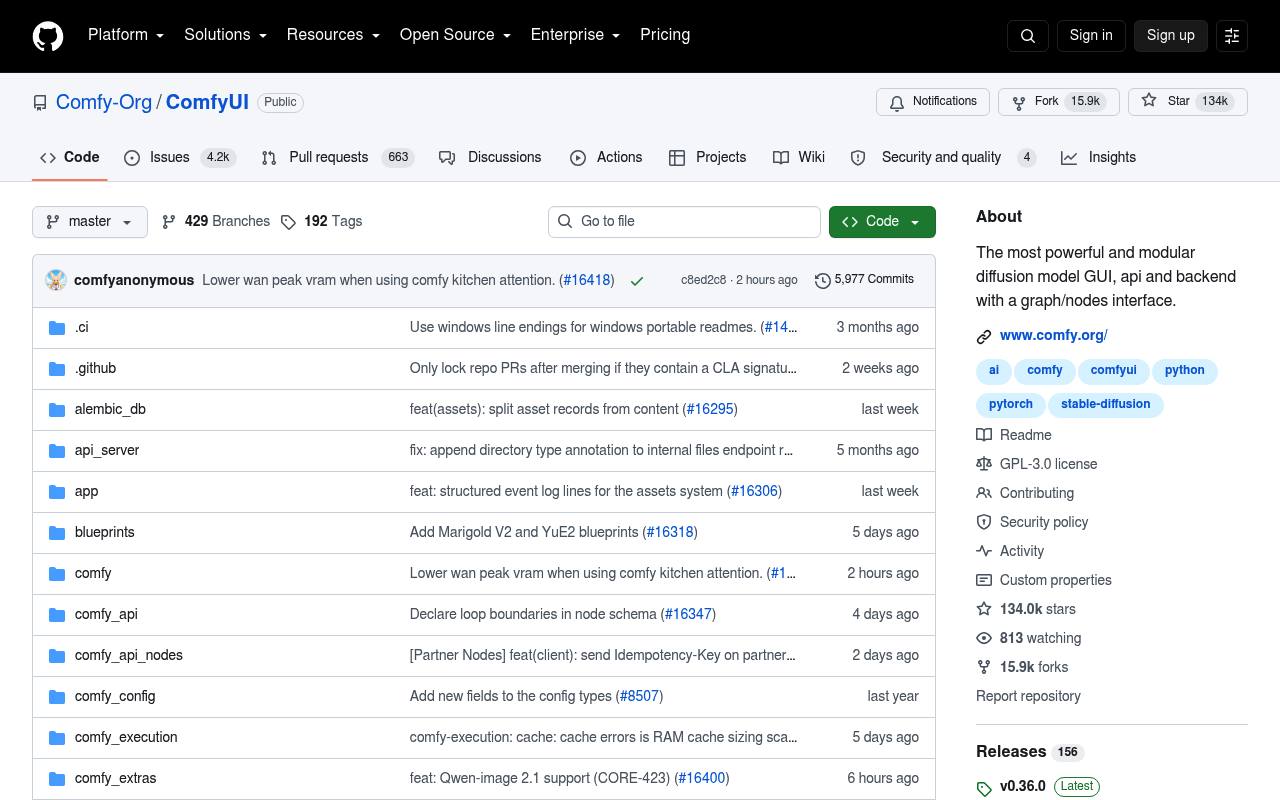
ComfyUI is the professional node-based UI for Stable Diffusion. Supports Flux.1, SDXL, SD3, ControlNet, and 500+ extensions. 60K+ GitHub stars.
In inglese
ComfyUI lets users connect models, processing steps, parameters, and outputs on a visual node graph. Workflows can be saved, reused, extended with custom nodes, and run locally on supported hardware or through Comfy Cloud.
It is used by artists, developers, VFX teams, advertisers, game studios, and researchers. The local application is free and runs offline, while Comfy Cloud, Partner Nodes, API usage, storage, and some model licenses cost extra.
Features
- Visual node graph for building image, video, audio, 3D, and text workflows
- Save and load workflows as JSON
- Recover workflows and seeds from supported generated media
- Run locally on Windows, Linux, and macOS
- Support custom nodes and community workflow templates
- Partial graph re-execution, queueing, VRAM management, and model offloading
- Local API for integrating workflows into applications
- GPL-3.0 open-source license
Use cases
- Build reusable image-generation workflows without writing application code
- Create and iterate on video, audio, 3D, or text-generation pipelines
- Automate batch generation through the local or cloud API
- Develop custom nodes for specialized models and production tasks
- Run AI workflows locally without sending core processing to a server
Pros
Cons
Latest updates
- v0.37.0 (v0.37.0)
- v0.36.0 (v0.36.0)
Added model blueprints, Microsoft mai-image-2.6 and Gemini 3.8 Flash; raised AMD Windows VA quota to 4TB and migrated Tripo to v3 API.
- v0.35.0 (v0.35.0)
Added Recraft V4 Styles, WAN3-Prime support and AVIF saving; dropped Veo 2 and Veo 3.0 models and updated workflow templates.
Capabilities
- Edits images — “Image editing : Flux Kontext, Flux.2 Klein, Qwen Image Edit, HiDream E1.1 and O1, OmniGen2, Boogu, JoyImage Edit, MageFlow Edit, and LongCat Image Edit.” source
- Upscales — “Built-in tools for inpainting, outpainting, reference conditioning, masks and compositing, model merging, upscaling, frame interpolation, segmentation, depth estimation, and media processing.” source
- Style or character reference — “Built-in tools for inpainting, outpainting, reference conditioning, masks and compositing, model merging, upscaling, frame interpolation, segmentation, depth estimation, and media processing.” source
- Image to video — “Based on 5s videos created with the Wan 2.2 Image-to-Video template using default settings (81 frames, 18fps, 640x640, 4-step sampler)” source
- Commercial use — “Comfy Cloud already includes commercial use.” source
- API — “It integrates seamlessly into production pipelines with our API endpoints.” source
Get it
Pricing
- Starting price
- $16/mo
- Prices checked
- 2026-09-26
Free
Free
- 5 free runs on real GPUs
- No credit card required
Standard
- $16
- $192 billed yearly
- $20 /month
- 30 minute max workflow runtime
- Add more credits anytime
- Import your own models not included
- Longer workflow runtime (up to 1 hr) not included
- 50,400 credits per year
Creator
- $28
- $336 billed yearly
- $35 /month
- 30 minute max workflow runtime
- Add more credits anytime
- Import your own models
- Longer workflow runtime (up to 1 hr) not included
- 88,800 credits per year
Pro
- $80
- $960 billed yearly
- $100 /month
- 30 minute max workflow runtime
- Add more credits anytime
- Import your own models
- Longer workflow runtime (up to 1 hr)
- 253,200 credits per year
Team
- $630
- $7,560 billed yearly
- $700 /month
- Invite members up to 50
- Members can run workflows concurrently
- Shared credit pool for all members
- Role-based permissions
- Shared workflows & assets coming soon
- Projects coming soon