tools
Cody by Sourcegraph
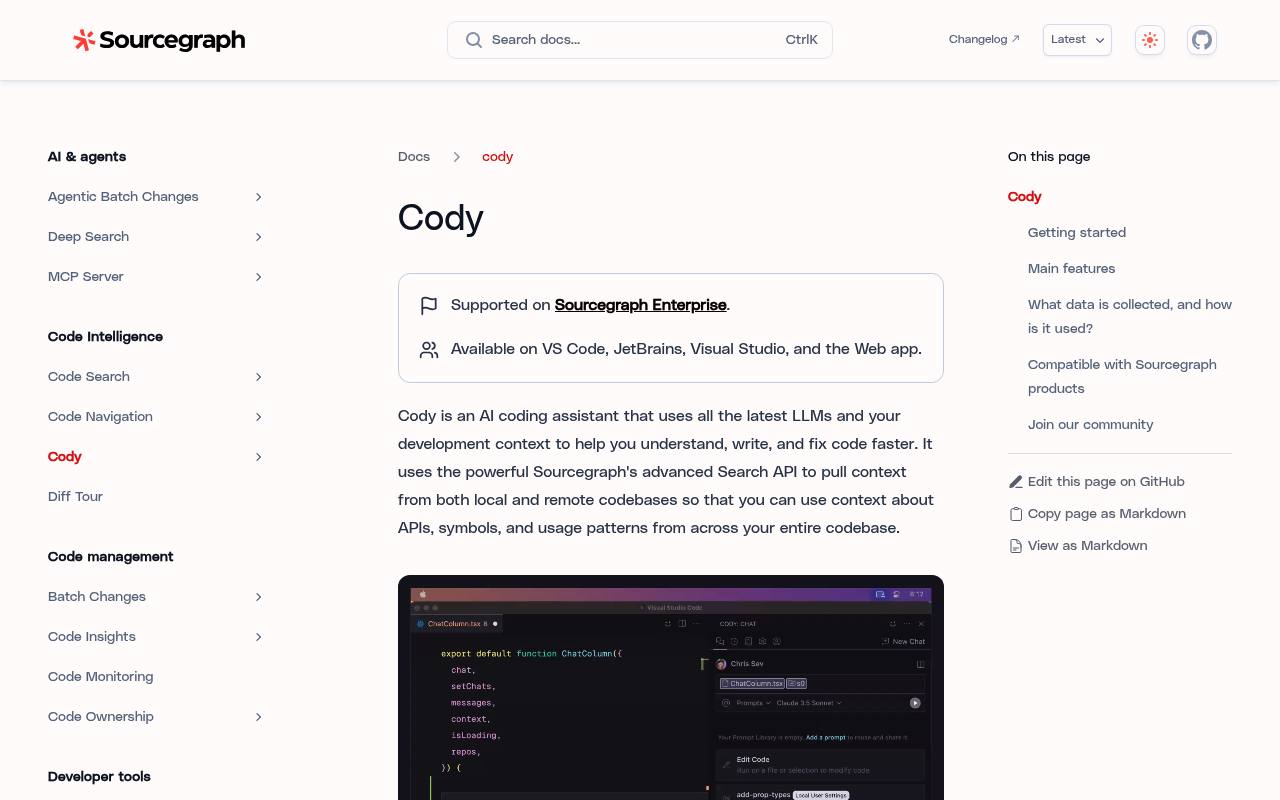
Cody is Sourcegraph’s AI coding assistant for understanding, writing, editing, debugging, and completing code with repository context.
In inglese
Cody helps developers chat about code, generate and edit code, complete code as they type, debug errors, and automate recurring tasks with prompts. It can use context from local and remote repositories through Sourcegraph’s search technology.
It supports VS Code, JetBrains, Visual Studio, the web app, and the command line. Current documentation says Cody is supported on Sourcegraph Enterprise. The official pricing page lists an Enterprise plan with a minimum annual contract rather than a separate Cody consumer plan.
Features
- Chat about code with repository, file, symbol, and remote-repository context
- Suggest code changes through auto-edit
- Generate completions, edits, and code explanations
- Create and share customizable prompts
- Identify and fix code errors and bugs
- Filter repositories and files used as context
- Support Model Context Protocol connections
- Open-source editor assistant under the Apache 2.0 license
Use cases
- Explain unfamiliar code and dependencies across a repository
- Generate or refactor code inside an editor
- Debug errors and suggest fixes
- Create reusable prompts for recurring development tasks
- Search remote repositories for APIs, symbols, and usage patterns
Pros
Cons
Latest updates
- Sourcegraph self-hosted 8.0.0 is now available (8.0.0)
- Sourcegraph self-hosted 7.7.359 is now available (7.7.359)
This is a patch release for Sourcegraph self-hosted 7.7.
- Sourcegraph self-hosted 7.7.0 is now available (7.7.0)
- Sourcegraph self-hosted 7.6.0 is now available (7.6.0)
- Sourcegraph self-hosted 7.5.4453 is now available (7.5.4453)
This is a patch release for Sourcegraph self-hosted 7.5.
Capabilities
- Inline completion — “Code completions, code edits, and customizable prompts” source
- Chat about your code — “You can chat with Cody to ask questions about your code, generate code, and edit code.” source
- Knows the whole codebase — “By default, Cody has the context of your open file and entire repository, and you can use @ to add context for specific files, symbols, remote repositories, or other non-code artifacts.” source
- Runs commands — “Smart Apply also supports the executing of commands in the terminal.” source
- VS Code — “Available on VS Code, JetBrains, Visual Studio, and the Web app.” source
- JetBrains IDEs — “Available on VS Code, JetBrains, Visual Studio, and the Web app.” source
- Command line — “Run Cody from the command line.” source
- Choice of models — “Cody allows you to select the LLM you want to use for your chat, which is optimized for speed versus accuracy.” source
- Self-hosted — “Self-hosted” source
- Search over your data — “Cody answers questions by searching your codebase and retrieving context relevant to your questions.” source
Get it
Pricing
- Starting price
- $16K
- Prices checked
- 2026-09-25
Enterprise plan
$16K
- Minimum annual contract
- Includes credits for AI features
- Search and navigation across the entire codebase
- AI-powered Deep Search
- Full MCP Server, API, and CLI access
- Single-tenant cloud
- Enterprise-grade security and admin controls
- 24×5 support with upgrade options