tools
Cline Review 2026 — Autonomous VS Code AI Coding Agent
Cline is the #1 open-source AI coding agent for VS Code. Plan & Act modes, MCP integration, full model support. 5M+ developers. Rated 4.5/5.
In inglese
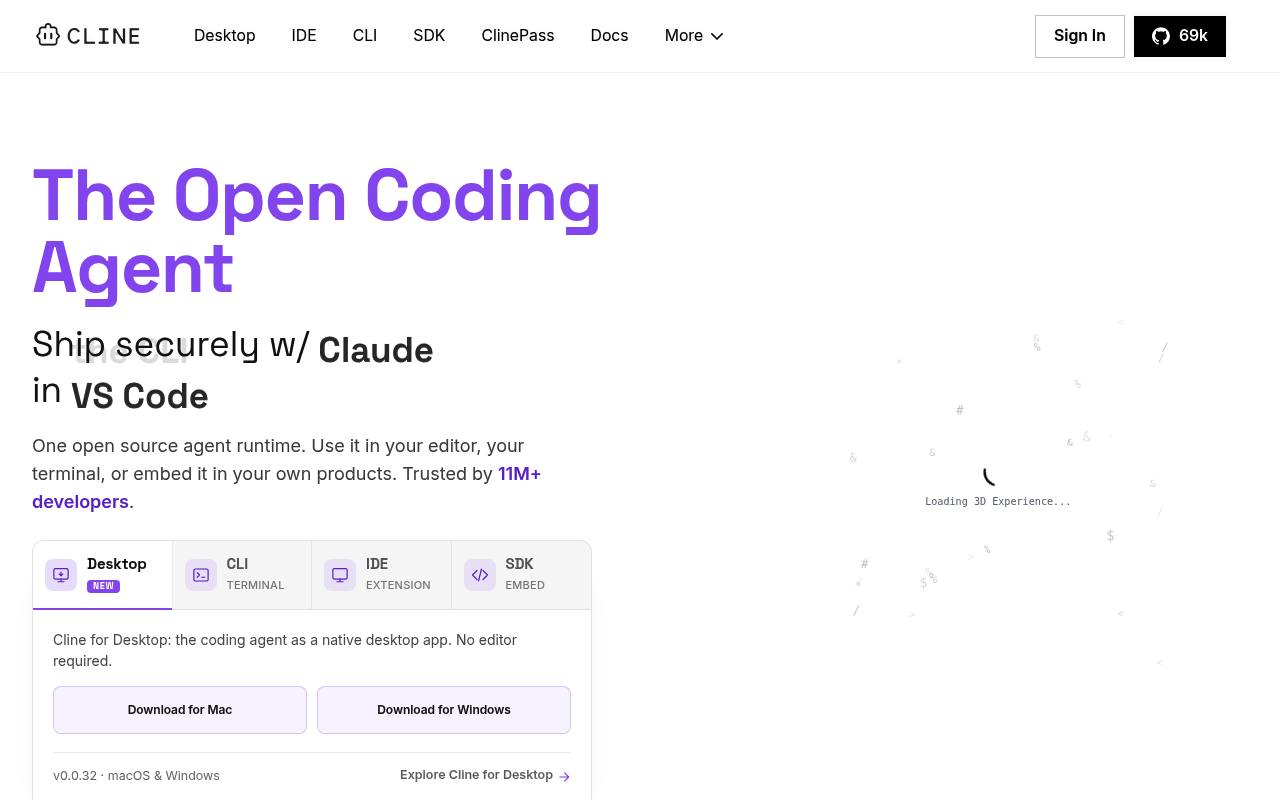
Cline helps developers understand codebases, plan changes, edit multiple files, run terminal commands, browse the web, and review diffs before applying them. It supports Plan and Act modes, checkpoints, rules, skills, plugins, MCP servers, scheduled agents, and multi-agent workflows.
It runs in VS Code, JetBrains, Cursor, Windsurf, the terminal, and a native desktop app for macOS and Windows. Cline is free for individual developers, but AI inference is usage-based or billed by the selected provider; enterprise features use custom pricing.
Features
- Plan and Act modes with approval for file edits and terminal commands
- Coordinated multi-file edits with diffs, checkpoints, and undo
- Runs bash commands, tests, builds, deployments, and long-running processes
- Supports rules, skills, plugins, lifecycle hooks, and MCP servers
- Connects to hosted models, local Ollama or LM Studio, and OpenAI-compatible endpoints
- CLI supports interactive, headless, CI/CD, scripting, and scheduled workflows
- Native desktop app for macOS and Windows with queued messages and session history
- Apache 2.0 open-source project
Use cases
- Refactor large codebases while reviewing coordinated file changes
- Run tests, fix compiler errors, and troubleshoot development servers
- Automate recurring PR reviews, dependency checks, and documentation updates
- Connect coding workflows to databases, APIs, infrastructure, Slack, or CI
- Coordinate multiple agents on coding, research, and maintenance tasks
Pros
Cons
Latest updates
- v4.1.21 (v4.1.21)
- SDK v0.0.86 (v0.0.86)
Text-only turns truncated at the output-token limit now get one compact-and-retry attempt per run before the existing recovery.
- Desktop v0.0.35 (v0.0.35)
Cline Desktop now runs on Linux, and plugin slash commands execute their handlers in the desktop app.
- CLI v3.0.65 (v3.0.65)
- v4.1.20 (v4.1.20)
Sub-agents now run tool calls concurrently; large-output models get a larger default budget; the catalog grew to 209 providers and 6,237 models.
Capabilities
- Chat about your code — “See how a codebase is structured and ask Cline questions about files, dependencies, and behavior.” source
- Agent that edits files — “Coordinated multi-file changes with linter-aware fixes, diffs, checkpoints, and one-click undo on every step.” source
- Knows the whole codebase — “See how a codebase is structured and ask Cline questions about files, dependencies, and behavior.” source
- Runs commands — “Executes in your terminal and reacts to output as it appears.” source
- VS Code — “VS Code 4.5M+ installs The most installed AI agent on the Marketplace.” source
- JetBrains IDEs — “IntelliJ, PyCharm, WebStorm, GoLand, and the rest.” source
- Command line — “Use Cline CLI in scripts, cron jobs, and CI pipelines to run recurring checks, updates, and custom workflows.” source
- Choice of models — “Claude, GPT, Gemini, local Ollama / LM Studio, or any OpenAI-compatible endpoint.” source
- Self-hosted — “Switch providers or self-host anytime.” source
- Official SDKs — “Register custom tools and lifecycle hooks via the SDK.” source
- Runs models for you — “You can bring your own API keys or use the Cline provider.” source
- Builds agents and workflows — “Coordinator agents delegate to specialists with their own tools and context. Run them on cron for recurring automations.” source
Get it
Pricing
- Starting price
- Free
- Prices checked
- 2026-09-25
Open Source
Free
- VS Code Extension
- CLI
- Secure Client-Side Architecture
- Purchase and Model Inference at Cost or BYOK
- MCP Marketplace
- Multi-Root Workspaces
Enterprise
Price on request
- All Open Source Features
- JetBrains Extension
- SSO
- SLA
- Dedicated Support
- Centralized Billing