tools
Captions AI - AI Avatars, Auto-Captions & Video Dubbing | AI.info
Captions uses AI to generate videos with your avatar, add auto-captions in 28 languages, correct eye contact, and dub content for global audiences.
In inglese
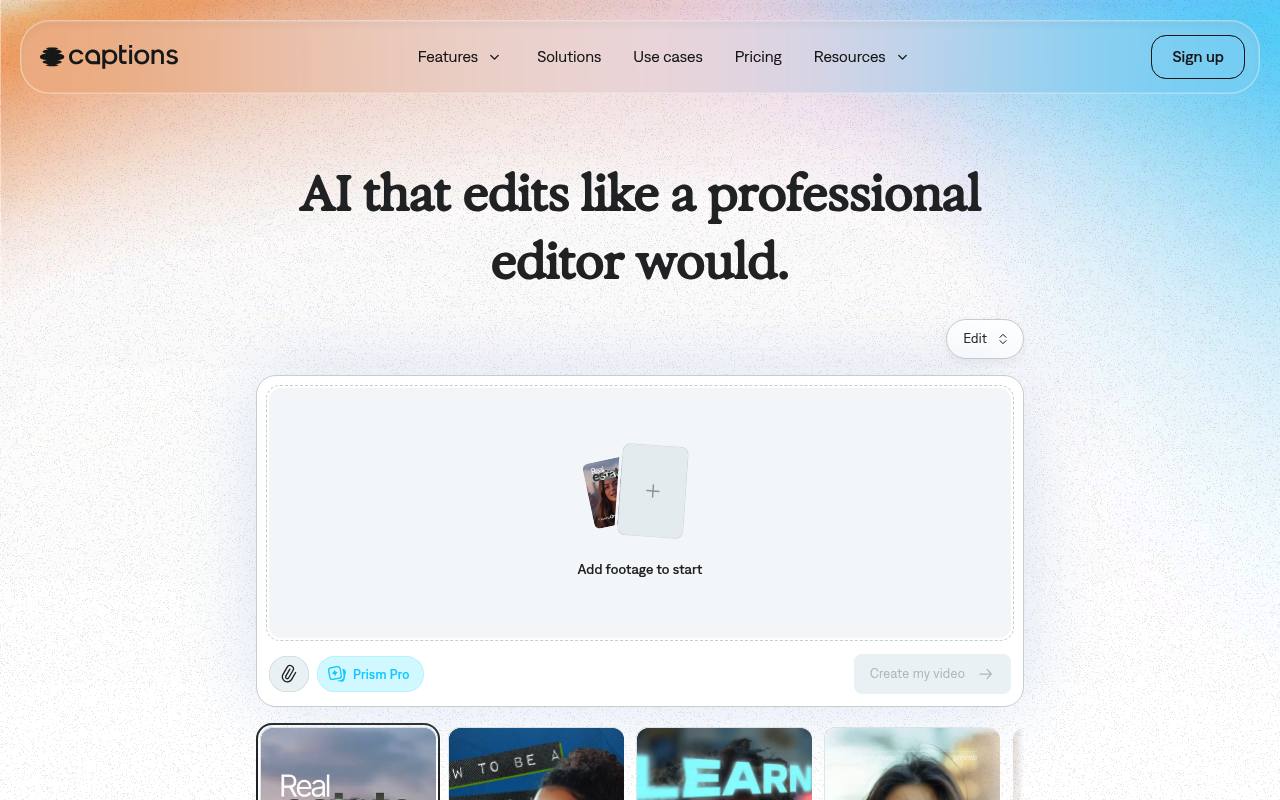
Captions lets creators, marketers, and teams edit uploaded footage or generate videos with AI. It provides automatic captions, translated subtitles, AI avatars and twins, clips, background-noise removal, eye-contact correction, text-based editing, music, and sound effects.
It runs on web, iOS, and Android. A free version includes basic editing tools, while generative AI features and higher usage limits require paid plans with monthly credits. Enterprise plans use custom pricing.
Features
- Edit footage automatically with AI styles, cuts, B-roll, music, and transitions
- Generate AI avatars, digital twins, and custom avatar performances
- Create captions in 100+ languages with customizable styles
- Translate and subtitle videos in 100+ languages
- Remove background noise and correct inconsistent eye contact
- Turn long videos into batches of short, post-ready clips
- Direct edits with a chat-based, text-to-edit interface
- Generate royalty-free music, sound effects, images, and video
Use cases
- Create short-form videos for TikTok, Instagram, YouTube, and LinkedIn
- Produce product demos and promotional videos
- Repurpose podcasts, interviews, and webinars into short clips
- Translate social videos for international audiences
- Generate AI-avatar videos without recording on camera
- Edit tutorials, talking-head videos, and real-estate listings
Pros
Cons
Capabilities
- Text to video — “Prompt to video” source
- Edits video — “Captions' AI editing transforms footage into a fully edited video that's ready to share.” source
- AI presenters — “Make an AI twin or choose from digital avatars.” source
- Lip sync — “AI Lipdub” source
- Dubbing — “Translate and subtitle in 100+ languages.” source
- Captions — “Create auto-captions with stylized fonts.” source
- Sound and music — “Generate royalty-free music or sound effects that complement your video.” source
Get it
Pricing
- Starting price
- $24.99/mo
- Prices checked
- 2026-09-25
Max
- $24.99/mo
- Access our library of curated AI Edit styles
- Create a fully-produced video with AI
- Create digital twins or custom AI actors
- Use a chat-based editor to handle changes for you
- Turn a long video into a batch of post-ready clips
- Access 500 credits per month
Frontier
- $69.99/mo
- Everything in Max, plus
- 1,400 credits per month
- Make more videos per month with customized usage tiers
- Access our most sophisticated tier of generative AI models
Frontier 2x
- $139.99/mo
- 2x usage
- 2,800 credits per month
- Make more videos per month with customized usage tiers
- Access our most sophisticated tier of generative AI models
Frontier 4x
- $279.99/mo
- 4x usage
- 5,600 credits per month
- Make more videos per month with customized usage tiers
- Access our most sophisticated tier of generative AI models
Enterprise
Price on request
- Bulk credit discounts
- Custom seat options
- Dedicated account management team
- Training data exclusion
- Customer onboarding, priority training, and hands-on support
- Early access to beta and new features
Free
Free
- Basic tools like trimming and transitions
- Some media library assets