tools
Brisk
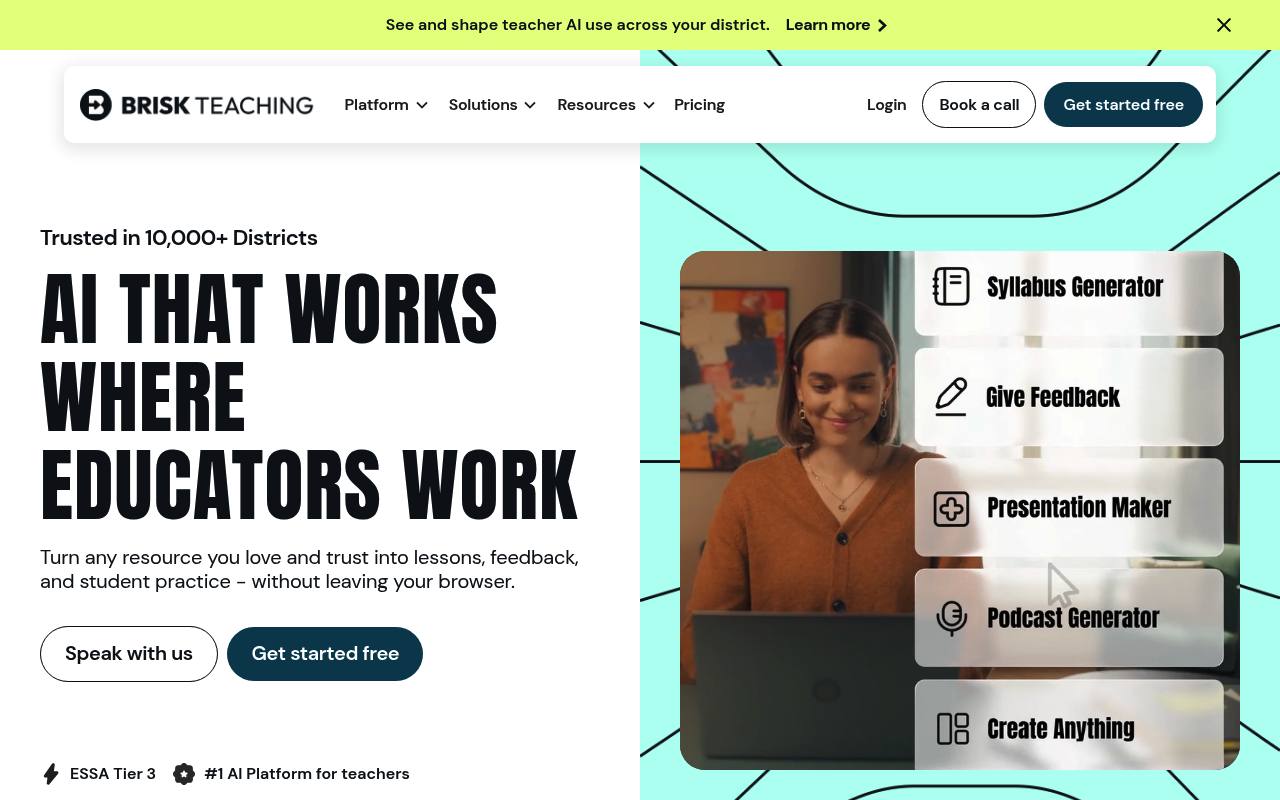
Brisk is an AI education platform that helps teachers create lessons, personalize materials, give feedback, and support student practice.
In inglese
Brisk works through a Chrome and Edge extension, Brisk Next, and Brisk Boost. Teachers can turn documents, webpages, videos, PDFs, images, and spreadsheets into lessons, quizzes, presentations, guided notes, podcasts, and student activities.
It also supports differentiated instruction, translation, writing feedback, rubric scoring, student progress insights, and teacher-guided AI activities. Individual teachers can use the Free plan; Premium and Intelligence plans for schools and districts use custom pricing.
Features
- Creates lessons, quizzes, presentations, guided notes, podcasts, and interactive resources
- Generates materials from Docs, Slides, Word, PowerPoint, webpages, YouTube, PDFs, images, and spreadsheets
- Differentiates lessons and creates up to three reading levels
- Translates instructional materials into 40+ languages
- Provides personalized, batch, rubric-based, and targeted writing feedback
- Creates teacher-guided AI activities for students with Brisk Boost
- Bundles, refines, shares, and organizes resources in Brisk Next
- Chrome and Edge extension with Google and Microsoft tool integrations
Use cases
- Create a lesson set from an article, video, PDF, or existing document
- Generate differentiated readings for students at different readiness levels
- Give personalized feedback on student writing and assignments
- Build guided AI activities from teacher-selected classroom resources
- Translate lessons and classroom materials for multilingual learners
- Review student progress and generate standards-aligned next steps
Pros
Cons
Latest updates
- Create Polished, Print-Ready Activities That Cover Any Topic
Brisk now includes a Printables Generator to transform online resources into print-ready pen-and-paper activities.
- Turn a Spreadsheet into a Student Activity
Brisk reads every tab in a Google Sheet or Excel file as context for building a worksheet, quiz, or Boost activity.
- Multi-Level & Multi-Grade Creation, Now in the New Brisk
Ask for a resource across grade bands, levels, or languages, and Brisk builds every version at once as a single bundle.
- Welcome to the New Brisk
Tell Brisk what you need, answer a few quick questions, and chat back and forth to adjust your resource.
- Use Brisk Tools Directly in Claude
The Brisk Connector lets teachers create Boost activities, teaching resources, and Batch Feedback assignments in Claude.
Get it
Pricing
- Starting price
- Custom Pricing
- Prices checked
- 2026-09-26
FREE
$0
- Create materials, give feedback, and adapt instruction
- Chrome and Edge extension
- Brisk Next
- 20+ tools
- Standard advanced language models
PREMIUM
Custom Pricing
- Everything in Free
- Standards, rubrics, classroom insights, and instructional priorities
- 35+ tools
- Turbo advanced language models
- District usage visibility and tool management
- Customer success support, onboarding, and professional development
INTELLIGENCE
Custom Pricing
- Everything in Premium
- Adopted curriculum, pacing, and scope and sequence
- District-curated resource library
- Curriculum fidelity and instructional consistency
- White-glove curriculum setup