tools
Beautiful.ai
AI presentation software that turns prompts, outlines, documents, and data into editable, on-brand slide decks.
In inglese
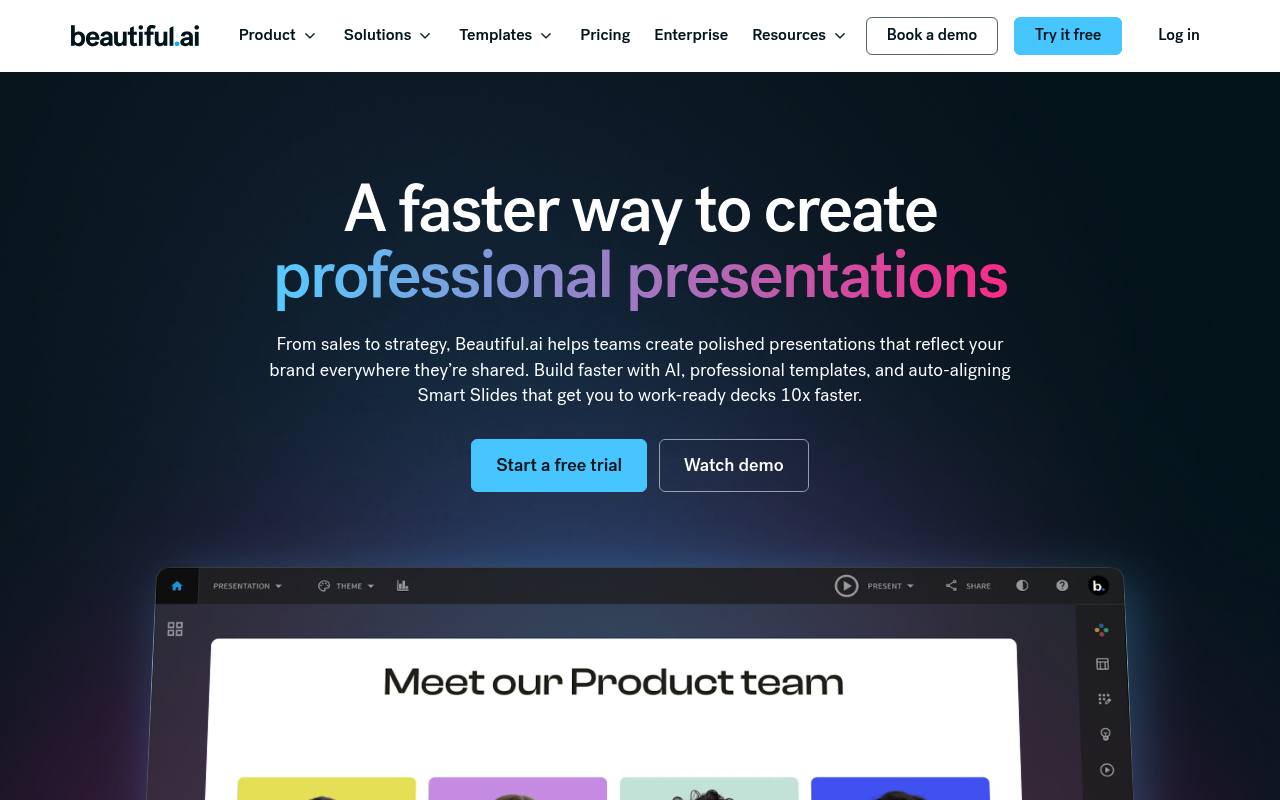
Beautiful.ai helps individuals, teams, agencies, and enterprises create presentations with AI, Smart Slides, templates, data visualization, brand controls, and collaboration tools. Users can start from a prompt, outline, uploaded context, or existing slides, then edit and export the result.
The browser-based service supports PowerPoint and PDF export, secure sharing, viewer analytics, embedded media, and integrations. Pro and Team plans include a 14-day trial; Enterprise pricing is custom, and a single presentation costs extra.
Features
- Generate presentation outlines and draft decks from prompts, outlines, or uploaded context
- Rewrite, summarize, expand, translate, and change the tone of slide content
- Use Smart Slides that resize, realign, and animate content automatically
- Create charts, graphs, comparisons, and live data visualizations from spreadsheets
- Apply reusable brand themes with colors, fonts, logos, icons, and footers
- Collaborate in real time through shared workspaces and asset libraries
- Export presentations to PowerPoint or PDF and share them with viewer analytics
- Use the Create with AI workflow, introduced as Beautiful.ai 3.0
Use cases
- Create sales pitches, proposals, and quarterly business reviews
- Build investor decks, startup presentations, and product roadmaps
- Prepare consulting reports and client deliverables
- Produce training, onboarding, and learning presentations
- Create branded marketing presentations across teams and agencies
Pros
Cons
Latest updates
- Five new Smart Slides for faster storytelling
Added Sequence, Connection diagrams, funnels, ROI slides, and Map slides, with item, layout, calculation, and playback controls.
- Major product release! Create with AI workflow (Beautiful.ai 3.0)
AI helps create presentations, shape the story in stages, iterate on design, and control text and layouts.
- Improved AI images
Users can choose AI image generation during deck generation and select image styling from example previews.
- New slide editor
Slide navigation on the left; edit in place; Properties Panel on the right; consolidated tools; choose light or dark mode.
- How to create a collection color palette
Create a palette; add, remove, or reorder colors, or generate a gradient. Smart Slides support shaded effects and Muted, Outlined, and Fill styles.
Capabilities
- Makes images — “AI image generation” source
- Brand kit — “Define your brand colors, fonts, and logos once and the slides will adapt automatically.” source
- Collaboration — “Real-time, live collaborative editing” source
- Exports — “Yes. Export any presentation as a PowerPoint (.pptx) or PDF for offline use or to share externally.” source
Security
- SOC 2 Type II — “SOC 2 Type 2 compliance verifies the effectiveness of a company's data security controls over time.” source
- SOC 2 — “We hold SOC 2 Type II, GDPR, CCPA, and PCI certifications, support SAML SSO 2.0 and SCIM provisioning, and give Enterprise admins audit logs and roles-based permission tiers.” source
- GDPR — “Certifications include: CCPA, PCI, SOC 2 Type II, and GDPR” source
- Not trained on your data — “Data processed by our AI models will not be used to train public LLM models.” source
Pricing
- Starting price
- $12/mo
- Prices checked
- 2026-09-25
Pro
- $12 /MO billed annually
- Unlimited AI content generation
- Apply your custom brand styling
- AI image generation
- Over 300 Smart Slide layouts
- Dynamic data visualizations
- Custom theme builder
Teams
- $40 /MO/USER billed annually
- $50 /MO/USER billed monthly
- Real-time, live collaborative editing
- Centralized slide & template library
- Version control & locked slides
- Shared asset library
- Engagement tracking & analytics
- Create presentations in 100+ languages
Enterprise
Price on request
- Dedicated onboarding & team training
- Top-tier security: CCPA, PCI, SOC 2 Type II, and GDPR certified
- Secure single sign-on (SSO)
- Priority level support
- Advanced user permissions
- User provisioning (SCIM)
Single presentation
- $45
- Everything in Pro plan (billed monthly)