tools
Auphonic
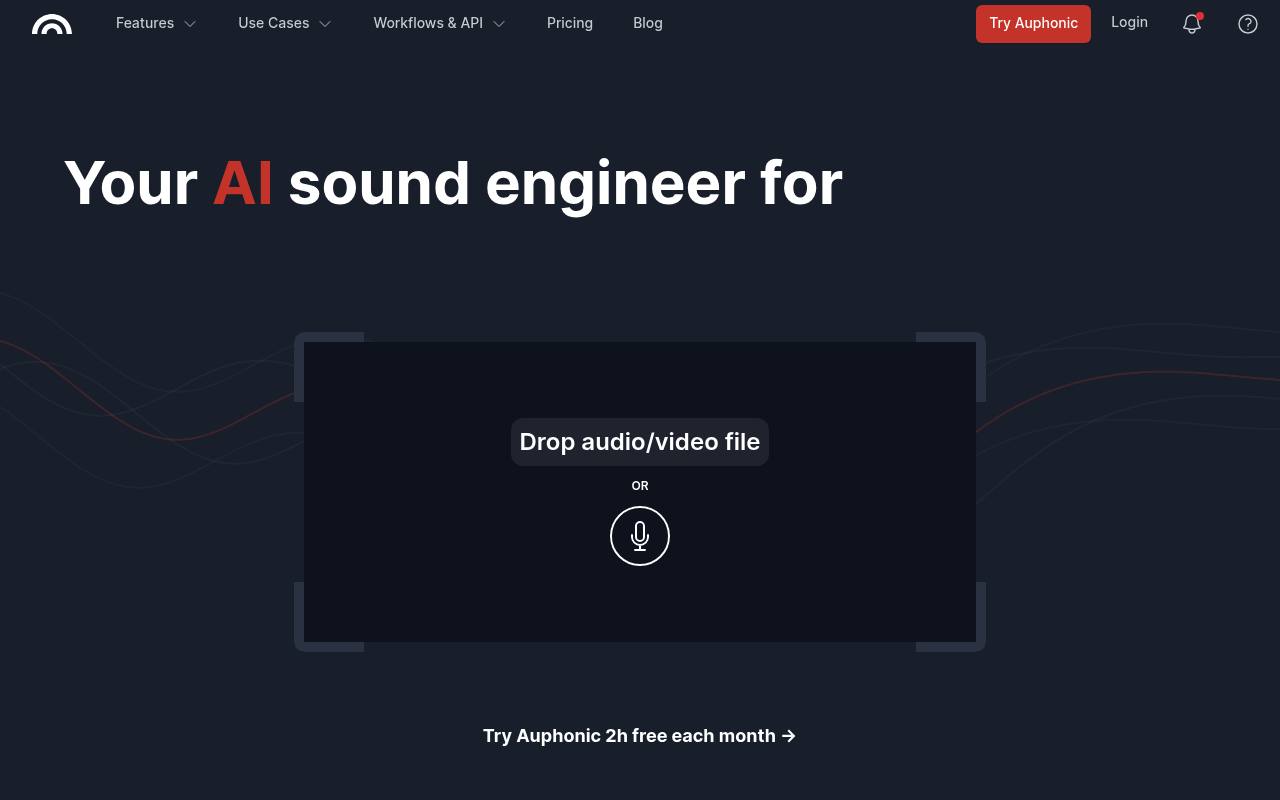
Auphonic automatically improves audio and video with leveling, noise reduction, loudness control, transcription, cutting, and publishing tools.
In inglese
Auphonic processes podcasts, interviews, lectures, audiobooks, radio recordings, and videos. It can reduce noise and reverb, balance speakers, normalize loudness, remove filler words and silence, create transcripts and shownotes, add subtitles, and publish finished files.
It is available through a web interface, API, and command-line tool. The free plan includes 2 hours of processed audio per month and adds a jingle to free productions. Additional processing uses recurring or one-time credits; recurring credits reset monthly, while one-time credits do not expire.
Features
- Reduces noise and reverb
- Balances levels between speakers, music, and speech
- Cuts filler words, coughs, silence, and music segments
- Processes multitrack recordings with ducking, noise gate, and mic bleed removal
- Normalizes loudness to specified targets and peak limits
- Generates multilingual transcripts, shownotes, and chapters
- Creates videos, audiograms, metadata, and burned-in subtitles
- Supports API, CLI, watch folders, Zapier, and automatic publishing
Use cases
- Polish podcast episodes before publication
- Clean up recorded lectures and educational content
- Prepare audiobooks for delivery specifications
- Process video podcasts, interviews, and webinars
- Automate audio processing in production workflows
- Publish processed files to hosting and social platforms
Pros
Cons
Latest updates
- Import Multichannel Files Directly into Auphonic
Import multichannel files directly into Auphonic.
- Editable Gain Curve: Refine the Adaptive Leveler in the Auphonic Editor
Refine the Adaptive Leveler in the Auphonic Editor with an editable gain curve.
- Burn-In Subtitles: Add Styled Captions Directly to Your Video
Add styled captions directly to your video.
- Choose the Filter Model per segment in our Audio Editor
Choose the filter model per segment in our Audio Editor.
- Studio Voice Beta Model Released
Studio Voice Beta Model released.
Capabilities
- Speech to text — “Auphonic uses a multilingual Whisper model by OpenAI as self-hosted speech recognition engine, including a sharable transcript editor” source
- Many languages — “Multilingual speech-to-text with auto-generated shownotes and chapters, displayed in a shareable transcript editor.” source
- API — “Yes, our software has a developer API available.” source
Get it
Pricing
- Starting price
- $11/mo
- Prices checked
- 2026-09-25
Auphonic Free
Free
- 2 h per month
- AI-based audio algorithms
- Free productions come with a jingle
- Free credits do not stack up
Auphonic S
- $11 per month
- $132 billed yearly
- $13 per month billed monthly
- 9 h/m
- Recurring credits reset every month
- Credits don't stack up if you don't use them
Auphonic M
- M 21 h/m $25
- M 21 h/m $30
- 21 h/m
- Recurring credits reset every month
- Credits don't stack up if you don't use them
Auphonic L
- L 45 h/m $52
- L 45 h/m $64
- 45 h/m
- Recurring credits reset every month
- Credits don't stack up if you don't use them
Auphonic XL
- XL 100 h/m $113
- XL 100 h/m $136
- 100 h/m
- Recurring credits reset every month
- Credits don't stack up if you don't use them
Auphonic XXL
- XXL 250 h/m $245
- XXL 250 h/m $290
- 250 h/m
- Recurring credits reset every month
- Credits don't stack up if you don't use them