tools
Augment Code
Augment Code provides AI agents for coding, code review, testing, incident response, and software delivery workflows.
In inglese
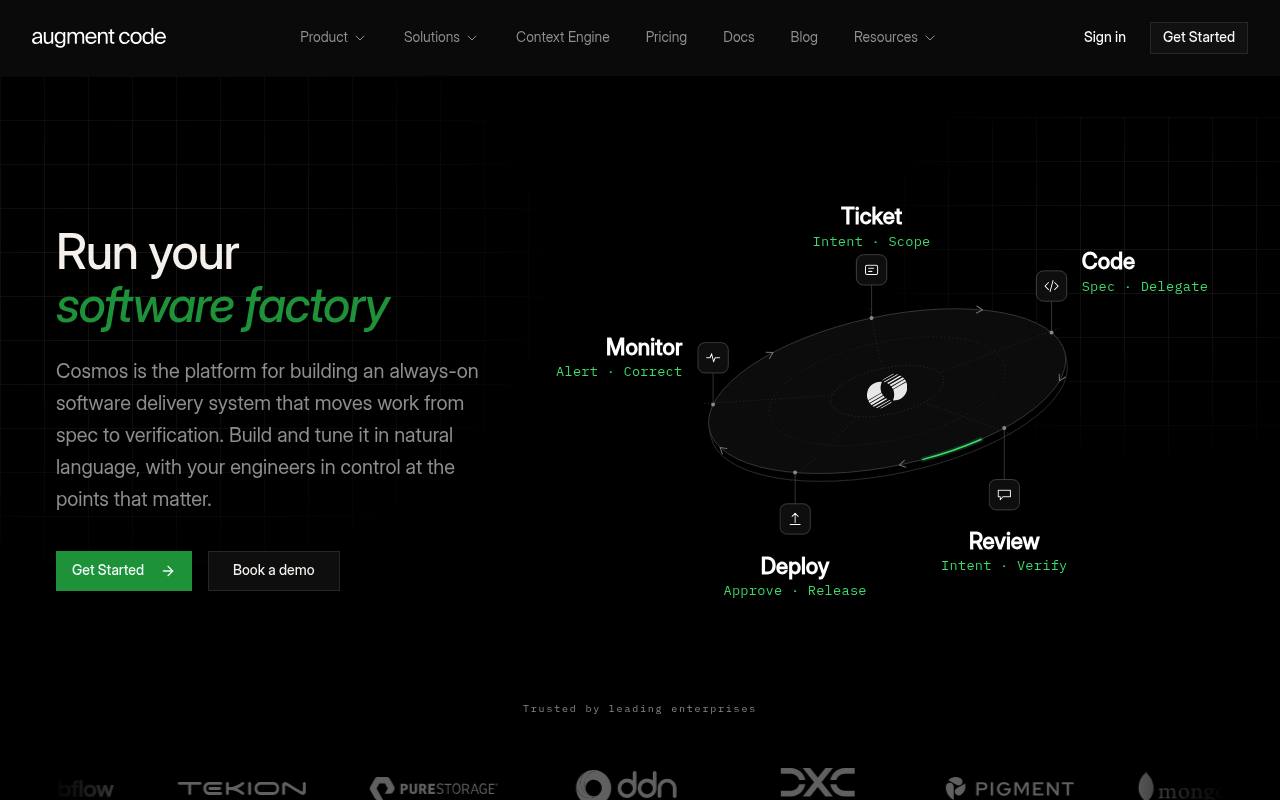
Augment Code is an AI software development platform built around Cosmos, a system for coordinating agents across the software lifecycle. It includes codebase context, coding agents, pull-request review, testing, ticket-to-PR workflows, security remediation, and incident investigation.
Developers and engineering teams use it through the web, CLI, and VS Code extension. Standard and Business plans include pooled usage, while additional usage is billed through top-ups; Enterprise pricing is custom. It does not replace human approval for consequential engineering decisions.
Features
- Coordinates agents across ticketing, coding, review, verification, deployment, and monitoring
- Maintains semantic codebase context across repositories, services, history, and external sources
- Creates code changes from task descriptions and drives pull requests through review
- Reviews GitHub pull requests with risk analysis, deep code review, and pair review
- Runs end-to-end tests and posts results with screenshots
- Supports CLI access, MCP, native tools, and integrations with GitHub, GitLab, Slack, Linear, and Jira
- Includes shared memory, reusable Experts, sandboxes, scheduling, and human approval gates
Use cases
- Generate and review changes from engineering tickets
- Analyze pull requests for correctness, security, architecture, and test coverage
- Investigate failed CI runs and propose fixes
- Remediate dependency and security alerts with reviewed patches
- Investigate production incidents and prepare root-cause reports
- Build recurring software delivery workflows across engineering systems
Pros
Cons
Latest updates
- IntelliJ Plugin v0.491.0 Release Notes (v0.491.0)
The agent now asks for your approval before reading a file that looks sensitive; MCP servers reached over HTTP, SSE, or Streamable HTTP now go through your configured…
- VSCode Extension 0.901.1 Release Notes (0.901.1)
Chat submit is now a VS Code keyboard shortcut; workspace-defined Augment hooks now run only in trusted workspaces.
- Auggie CLI 0.36.0 Release Notes (0.36.0)
Added a flag to control the model's reasoning effort from the CLI.
- IntelliJ Plugin v0.488.0 Release Notes (v0.488.0)
Command hooks supplied by a repository's own `.augment/settings.json` now run only in projects you have marked as trusted.
- Auggie CLI 0.35.0 Release Notes (0.35.0)
Added declarative configuration for daemon pools; environment rebuild operations now run asynchronously.
Capabilities
- Chat about your code — “Chat & Agents” source
- Agent that edits files — “Assign a ticket; the loop investigates, writes the change, and exercises it end to end.” source
- Knows the whole codebase — “A live map of your entire codebase, always current, so agents start from real understanding.” source
- Runs commands — “Groups safe minor/patch bumps into a single PR per repo, runs the test suite, and only merges automatically when CI is green.” source
- Reviews pull requests — “Every PR gets a substantive first-pass review within minutes.” source
- Command line — “Software Factory as Code. Define your Experts, environments, and event-driven workflows as versioned YAML.” source
- Choice of models — “Any harness, any model. Build your own model router with Prism, or use one of our defaults.” source
- Self-hosted — “Self-hosted daemon” source
- No code retained — “Zero data retention” source
- Builds agents and workflows — “Use the experts we ship, choose from our library , fork them, or build your own.” source
- Traces and evaluates — “Audit logs + SIEM” source
Get it
Pricing
- Starting price
- $20/mo
- Prices checked
- 2026-09-24
Standard
- $20 /month
- $20 of usage included every month
- Up to 50 seats
- Top-ups, pay as you go
- Context Engine
- CLI access
- MCP & Native Tools
Business
- $100 /month
- $100 of usage included every month
- Up to 50 seats
- Top-ups, pay as you go
- Context Engine
- CLI access
- MCP & Native Tools
Enterprise
Price on request
- Custom usage
- Custom top-up
- Unlimited users
- Custom size compute
- Multi-region compute
- Dedicated support