tools
Applitools Autonomous
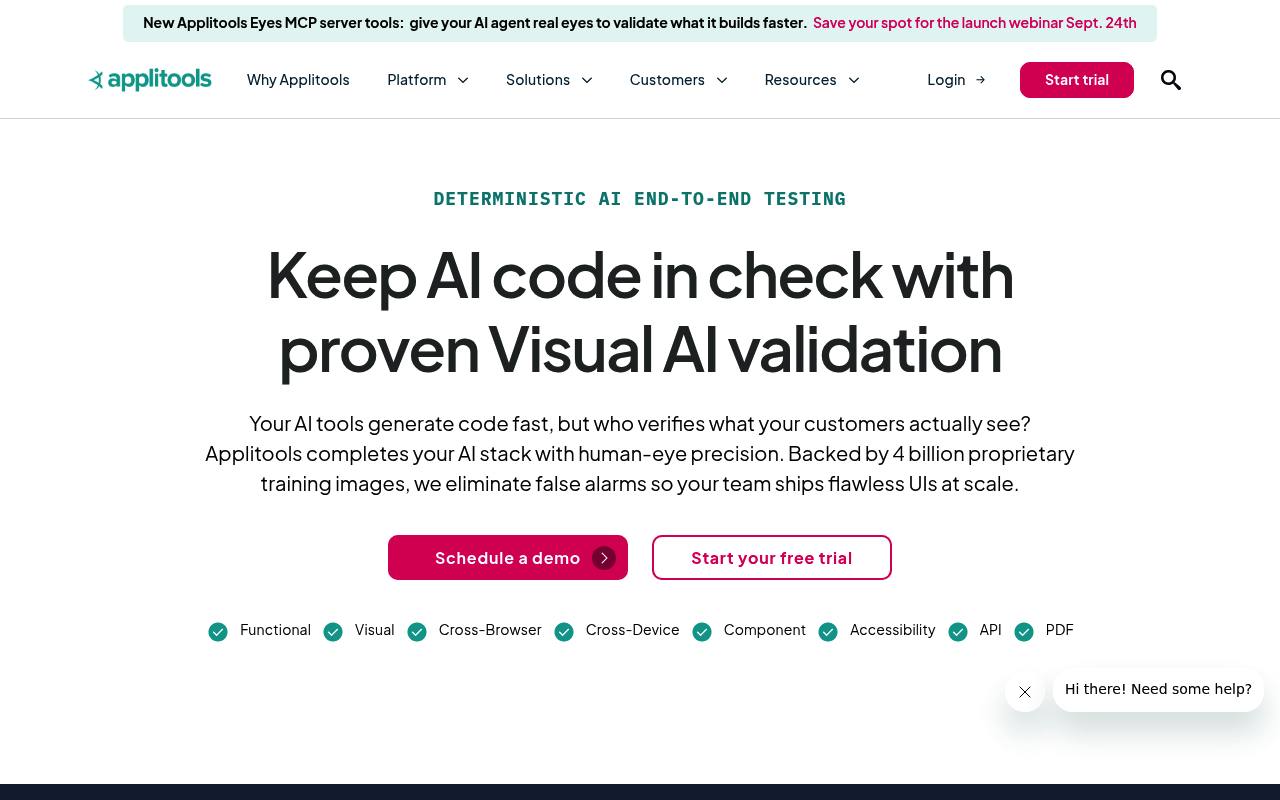
Applitools Autonomous creates, runs, and maintains no-code end-to-end tests for web apps using plain-English steps and Visual AI.
In inglese
Applitools Autonomous is a no-code testing tool for QA teams and manual testers. Users can scan websites, record flows, or describe test steps in plain English, then run functional, visual, API, and PDF checks.
It supports CI/CD runs, scheduled executions, conditional flows, test maintenance, and visual validation across browsers and devices. PDF testing does not support scanned PDFs, and private cloud, SSO, additional executions, and on-premises deployment may cost extra.
Features
- Generate starter tests by scanning a website or sitemap
- Author tests with plain-English steps and NLP
- Run functional, visual, API, and PDF checks in one flow
- Use Visual AI to find elements without brittle selectors
- Create conditional if/else logic in custom flows
- Schedule tests or run them through CI/CD pipelines
- Maintain related tests together after UI changes
- Use codeless API testing and test data generation
Use cases
- Scan a website to create visual regression coverage
- Describe checkout, login, or onboarding journeys in plain English
- Run browser tests on every pull request
- Validate invoices, contracts, or reports as PDFs
- Test file uploads and post-upload application behavior
- Compare dynamic pages while ignoring expected changing values
Pros
Cons
Latest updates
- Dynamic Match Level: Now the Default for New Tests
Dynamic is the default match level for every new test; it recognizes predefined and custom patterns and ignores shifts in surrounding elements.
- Conditional Steps for Custom Flow Tests
Write if / else-if / else logic in Custom Flow tests; false conditions skip their block with a “Condition not met” status.
- PDF Testing in Custom Flows
Test PDFs inside Custom Flows with page navigation, per-page visual checks, text assertions, and PDF form interactions.
- Test file upload interactions
Upload files to the centralized file library or a test step and reuse them at runtime across tests and steps.
- Resolve failed steps faster
Troubleshooting compares failed steps to the last successful run and provides browser recordings and console logs.
Capabilities
Get it
Security
Pricing
- Starting price
- $667/mo
- Prices checked
- 2026-09-26
Starter
- $667 / mo, paid annually
- Unlimited users
- 100,000 component checkpoints
- 1,000 page checkpoints
- Visual validation with Visual AI
- Visual AI MCP server
- Figma design integration